
You can add, remove, and change the default credit card on your account from the Payment Methods section of the client area. Cards are stored securely with our payment processor — we do not see or store the full card number on our servers.
Add a new credit card
-
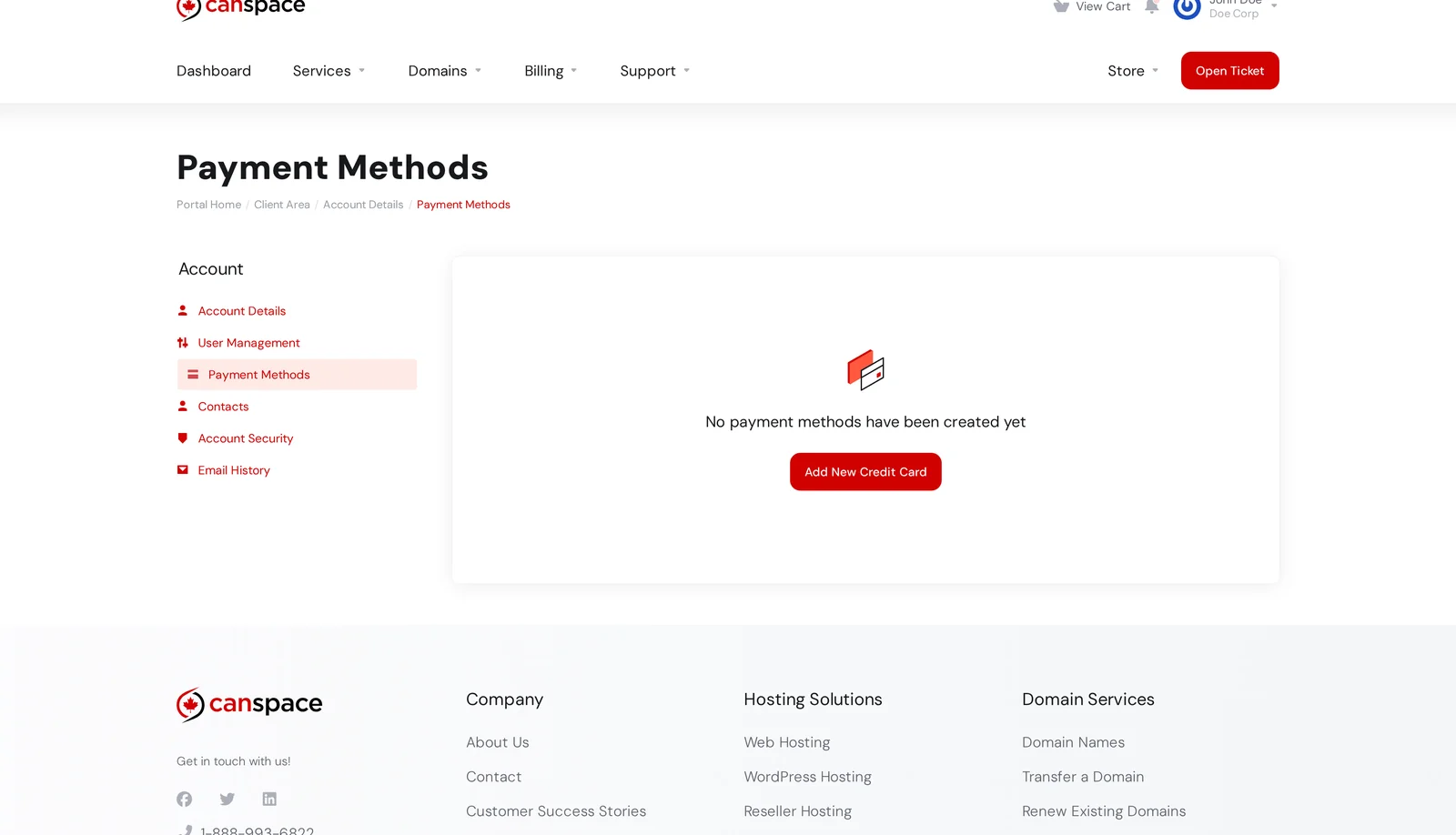
Log in to the client area and open Billing → Payment Methods, or visit it directly at canspace.ca/clients/account/paymentmethods.
-
Click Add New Credit Card.
-
Enter your card details:
- Card type (Visa or Mastercard — we do not accept American Express)
- Card number
- Expiry date (MM/YYYY)
- Cardholder name
- Billing address (uses your account address by default; tick the Custom Billing Address box if it differs)
-
Click Save Changes. Your card is verified with a zero-dollar authorization and stored for future renewals.
Update an existing card
You can't edit the number on a saved card — for security, the card details are stored encrypted by the payment processor and even we can't see them in full. To change the number, add a new card and then remove the old one:
- Click Add New Credit Card and save the new card.
- Make sure the new card is set as the default (look for the radio button labeled Default).
- On the old card entry, click Remove.
You can update the expiry date on a saved card directly — click Edit on the card entry, change the month/year, and save.
Multiple cards, and which one gets charged
You can store multiple cards on your account. Only one can be the default at a time — that's the card WHMCS uses for automatic renewal charges.
If you want a specific service (for example, a personal domain) to be billed to a different card than your hosting plan, open the service in My Services, go to the Product Details page, and change the Payment Method under the Overview section.
Removing all stored cards
If you want us to stop storing any card details — for example, you're about to cancel all services and want to clear your data first — remove every card individually. If auto-renewal is enabled on any service, future invoices will become unpaid (you'll need to log in to pay manually) once no card is on file.
Security
- Card details are stored and processed by our payment processor (Elavon/Converge), a PCI-DSS Level 1 certified provider. We do not store the full card number on our servers.
- All card entry forms are served over HTTPS.
- Want to reduce exposure further? Use a virtual card number from your bank for recurring charges. The virtual number can be locked to CanSpace only and cancelled any time without replacing your physical card.
Payment methods accepted
See Payment methods we accept for the complete list. In short: Visa, Mastercard (both credit and debit), and Interac e-Transfer. No American Express.
Related articles
Trouble adding or removing a card? Open a support ticket


